A Support Platform Integrated with your Database

Dawson Chen
Most AI support tools work like a chatbot stapled to your help docs. They can answer general questions about your product, but the moment a customer asks something specific to their account, the AI falls apart.
"Why was I charged twice?" "Where's my order?" "My account says I'm on the free plan but I upgraded last week."
These tickets require looking up real customer data. Without access to your database, AI can only say "Let me escalate this to the team." That defeats the entire point.
The Gap Between AI and Useful AI
A support agent without access to customer data is like a new hire on their first day who can only read the employee handbook. They know your refund policy. They know your pricing tiers. They can explain how your product works in general terms.
What they can't do is pull up a specific customer's order history, check their subscription status, or verify their last payment. Every ticket that requires account-specific information hits a wall.
This is where most AI support tools stop. They handle FAQ-style questions well and route everything else to a human. For a B2C company doing hundreds of tickets a day, that means the AI only handles 10-20% of the volume. The rest still requires a person to look things up manually.
What Changes With Database Access
When your AI support agent can query your database, it can actually resolve tickets instead of deflecting them.
A customer writes in saying they were charged after canceling. The AI pulls their subscription record from your database, checks the cancellation date against the charge date, sees the charge was processed before the cancellation went through, and drafts a reply explaining the timing with the exact dates. It stages a refund for the overlapping period. You review and approve.
That entire workflow, which normally takes 5-10 minutes of tab-switching between your inbox, your database, and your payment dashboard, happens in seconds.
Here are the types of tickets that become resolvable:
Account-specific questions. "What plan am I on?" "When does my subscription renew?" "How many seats do I have left?" The AI looks up the answer and responds directly.
Order and payment issues. "My order hasn't shipped." "I see a duplicate charge." "I need an invoice for this month." The AI checks the relevant records and either answers the question or stages the right action.
Bug reports with context. "The app crashed when I tried to export." The AI checks error logs tied to that user, identifies the issue, and responds with specific information about what went wrong.
Usage-based questions. "How much storage am I using?" "Have I hit my API limit?" The AI pulls the data and gives a precise answer.
For most B2C products, account-specific tickets make up the majority of support volume.
Why Most Teams Haven't Done This Yet
Connecting a database to a support tool sounds straightforward, but historically it required building custom integrations. You'd need API middleware, authentication handling, query logic, error handling, and ongoing maintenance as your schema evolves.
Most support platforms offer integrations with major SaaS tools (Stripe, Shopify, etc.) but stop there. If your customer data lives in PostgreSQL, MongoDB, or Firebase, you're on your own. Building a custom integration is a project that takes weeks, and maintaining it takes ongoing engineering time.
So teams default to the manual approach: agent gets a ticket, opens a database viewer in another tab, runs a query, copies the relevant data, writes a reply. It works until you're doing it 50 times a day.
How Letterbook Connects Your Data
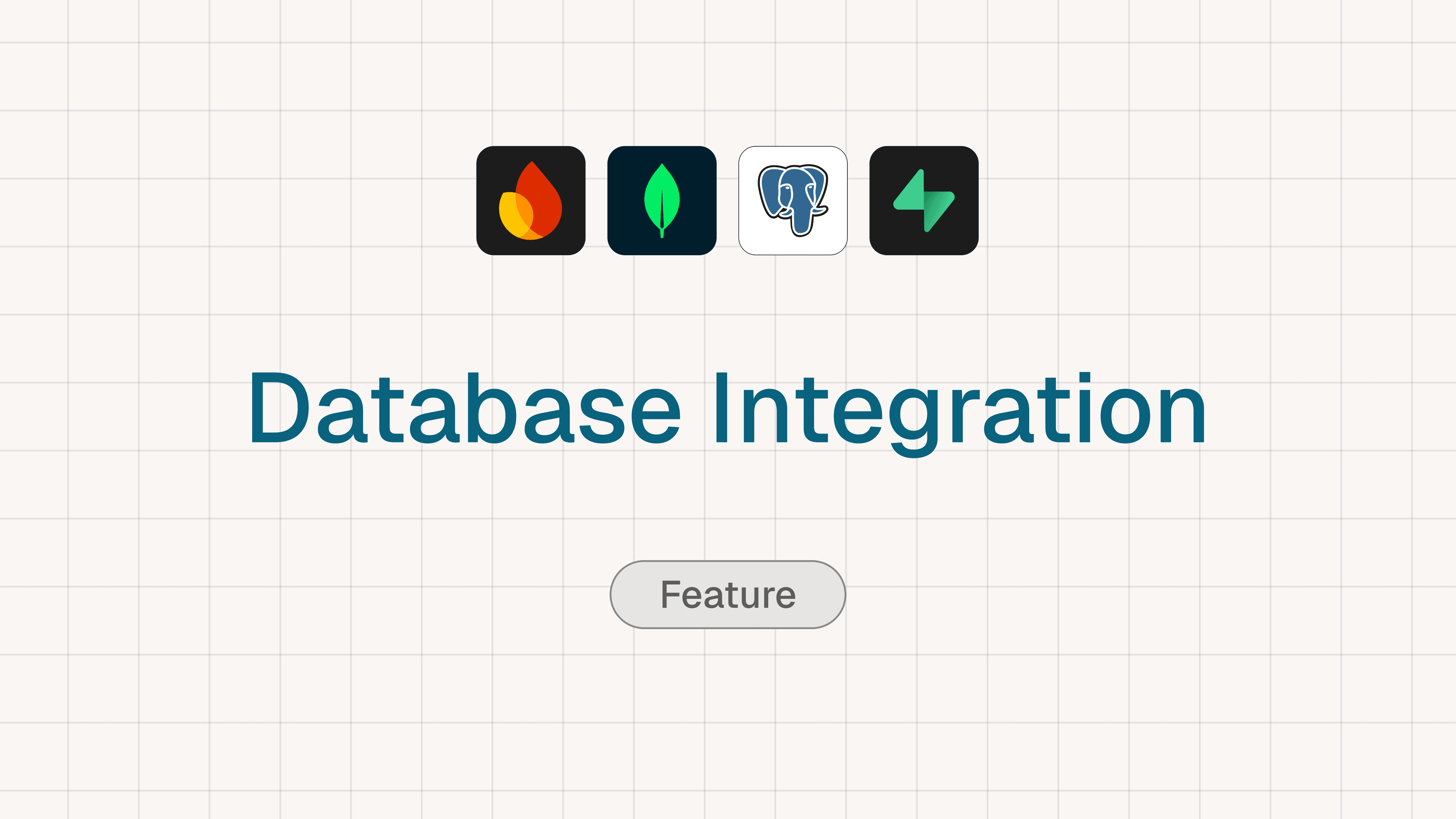
Letterbook connects directly to your database. PostgreSQL, MongoDB, Supabase, and Firebase are all supported. You also get native integrations with Stripe, Shopify, Google Play, and many more sources coming soon.
Once connected, the AI agent automatically queries the relevant data when a ticket comes in. You describe your support policies in your Internal Knowledge Base, in plain English, and the AI figures out what data it needs for each ticket. No workflows to build, no query templates to maintain.
For example, you might write: "When a customer asks about a charge, look up their recent transactions and subscription status. If they were charged after canceling, stage a refund for the amount charged after the cancellation date."
The AI reads that policy, queries your database for the customer's records, and handles the ticket accordingly. When you update the policy, the behavior updates immediately. No code changes, no workflow rebuilds.
What This Looks Like in Practice
A customer emails: "I upgraded to Pro last week but I'm still seeing the Basic plan limits."
The AI agent:
- Identifies the customer from their email address
- Queries your database for their current plan and upgrade history
- Checks if the plan change was processed correctly
- Sees that the upgrade went through on the billing side but a feature flag wasn't updated
- Drafts a reply explaining the issue and confirming it's been flagged for a fix
- Stages the appropriate action
You review the draft, approve it, and the ticket is resolved. Total time: 15 seconds instead of 8 minutes.
Scale that across your full ticket volume. If 60% of your tickets require account-specific data, and each one takes 5-10 minutes to resolve manually, you're looking at hours of work that can compress into minutes of review.
Getting Started
Connect your database and inbox to Letterbook. Write your support policies in the Internal Knowledge Base. The AI agent starts pulling customer data and drafting resolutions on the first ticket.
If your team is spending hours looking up customer data to answer support tickets, this is the fix. Try Letterbook free and see how your queue clears when AI has full context.